GramFrame Release Test
This file is used as part of release
testing in CI. Do not delete it.
Ready to use: This file works when opened directly from your file system.
Just double-click from Windows Explorer or macOS Finder - no web server required!
Test Configuration
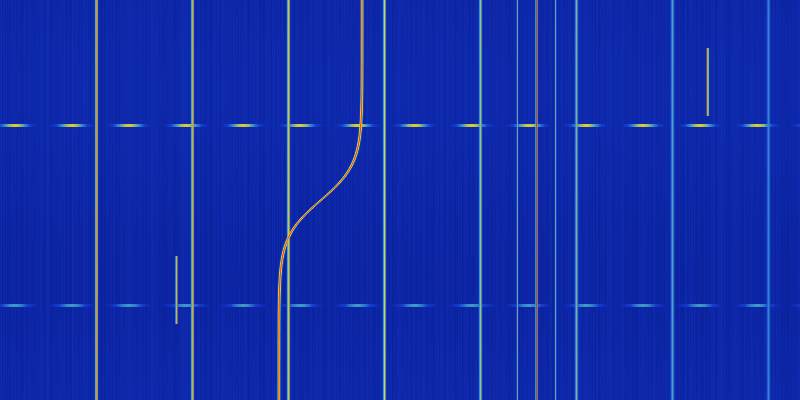 |
| time-start | 0 |
| time-end | 10 |
| freq-start | 0 |
| freq-end | 50 |
Test Instructions:
- Verify the spectrogram component loads above
- Test mouse hover for cursor display
- Try switching modes (Pan, Cross Cursor, Harmonics, Sidebands, Doppler)
- Test marker creation by clicking in Cross Cursor mode
- Place a sideband set and check its panel fills beside the harmonics one